
Change Mouse Control Settings
Modify mouse controls from the default settings.
-
In the icon palette, click
 Settings.
- On the Settings page, click the Controls tab.
-
Select the desired mouse mapping.
Figure 1. 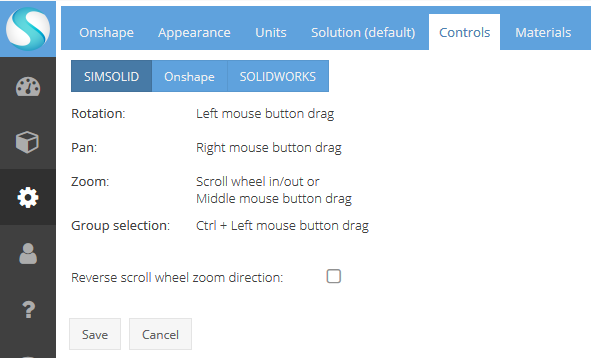
- Optional: Select the Reverse scroll wheel zoom direction check box to invert the zoom function.
- Click Save.