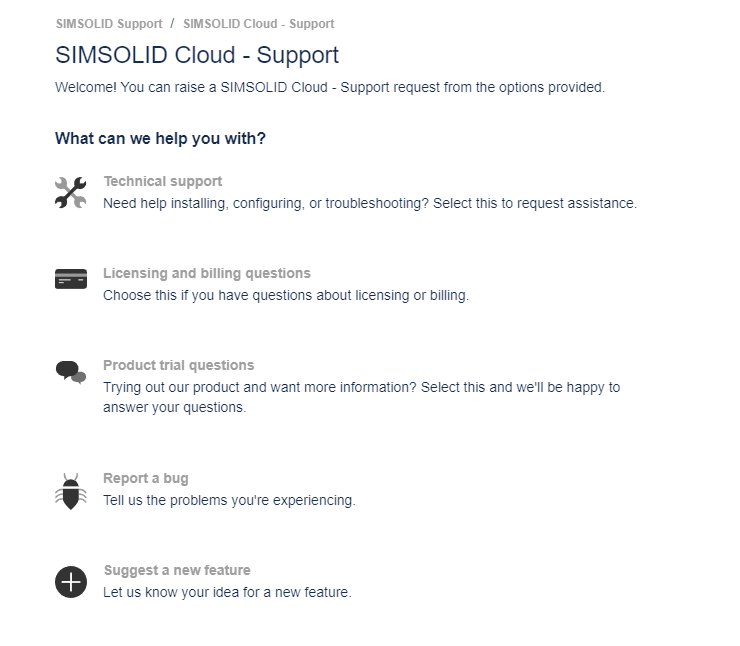
In addition to the existing email approach we now have a new customer support portal
that can be used to create and track all your support tickets. Support attachments
can now be up to 10MB in size and the same support system is available to both trial
and commercial users.
Email
Send an email to scs.support@simsolid.atlassian.net
Help Menu
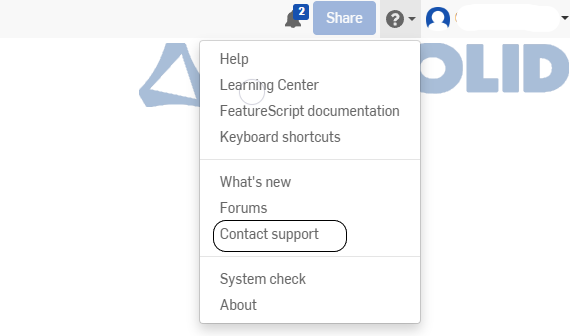
When logged in to the SimSolid Cloud
application, use the Help Menu drop-down and select
Contact Support.Figure 1.
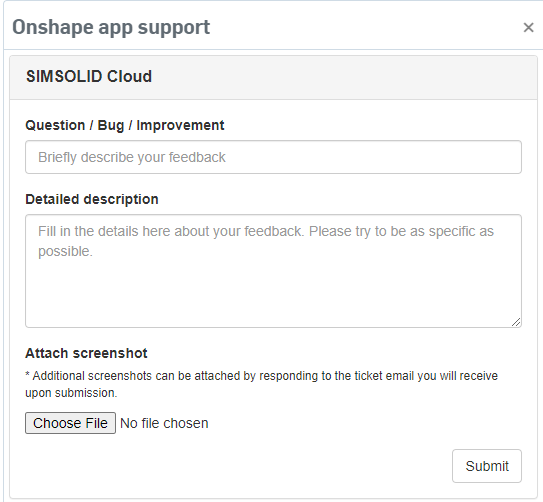
In the SimSolid Cloud support window, fill in
your details including a description and any screen shots, and then click
Submit to open a support ticket.Figure 2.
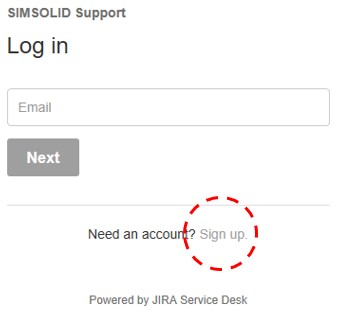
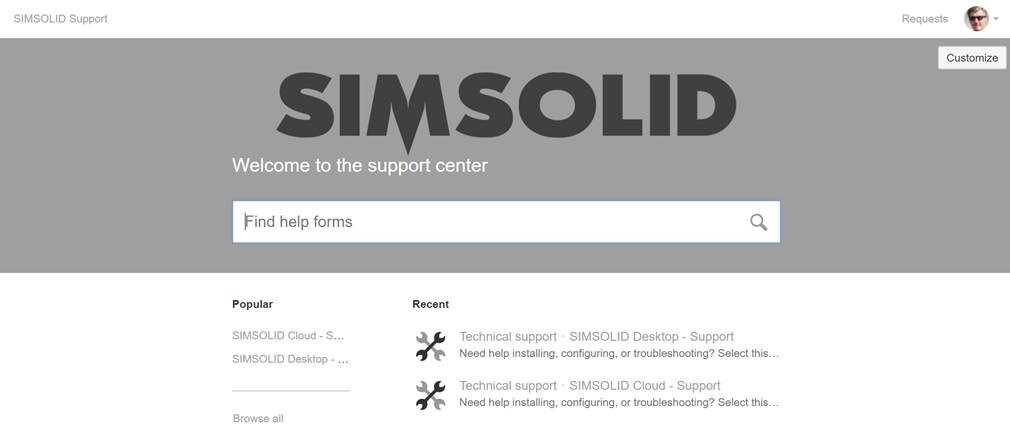
After you log in, you will see the following banner:Figure 4.
Pick the SimSolid Cloud support channel to open a new ticket or pick
Requests in the upper right corner to browse through all
your personal open or closed tickets. Any ticket opened either through email or the
portal is shown on the page in Figure 5.Figure 5.
Share a Model with Support
Go to the Share Project topic to learn how to share a
project with Support.

 and select
Contact Support.
and select
Contact Support.