
Quick Start
General workflow overview for SimSolid Cloud.
To see a video version of these instructions, click here.
-
From within an Onshape
document, add a SimSolid Cloud tab and load the
design geometry.
Figure 1. 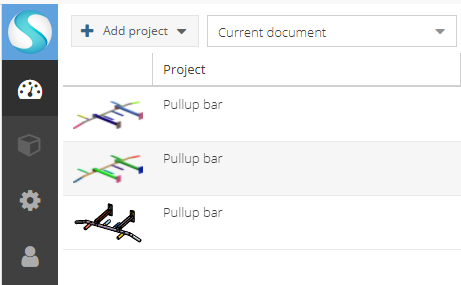
See Run SimSolid Cloud from Onshape and Open Project for more information.
-
Create material properties and part connections.
Figure 2. 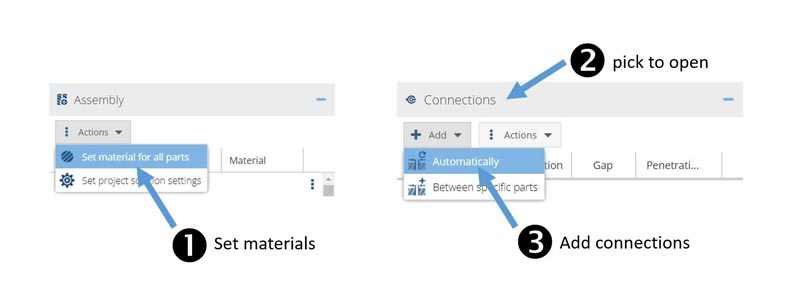
See Assign Material Properties and Connections for more information.
-
Define analysis, contact conditions, constraints, and loads.
Figure 3. 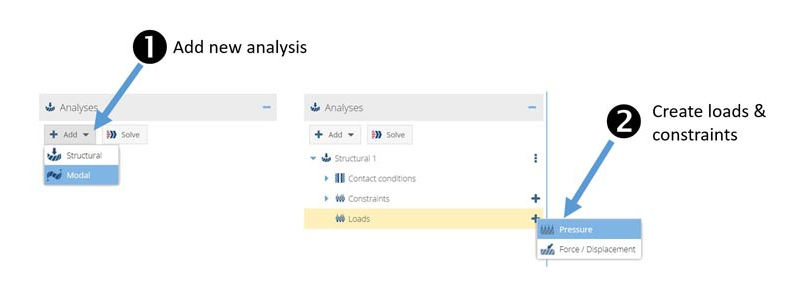
See Add Analysis for more information.
-
Run analysis and examine your results.
Figure 4. 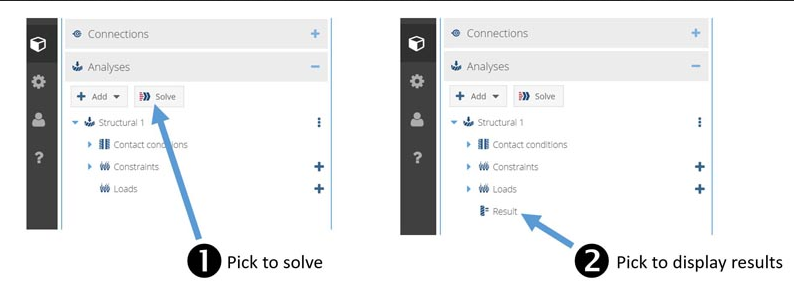
See Run Analysis and Review Results for more information.