
Open Project
Open a project from the Project Dashboard.
-
Launch SimSolid Cloud.
The Project Dashboard opens and displays all SimSolid Cloud projects.
Figure 1. 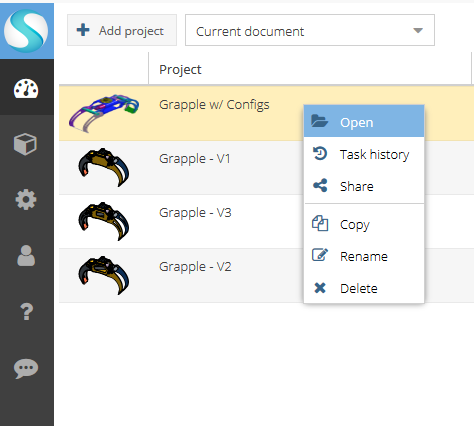
-
Double-click or right-click on the desired project and select
Open from the context menu.
The Project Window opens.