Rotate LCS
Rotate a local coordinate system on an evaluation point.
-
From Setup group, select .
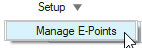 Figure 1. A guide bar opens.
 -
Click
 to open advanced options.
 Figure 2.
 -
Select the required LCS from the model.
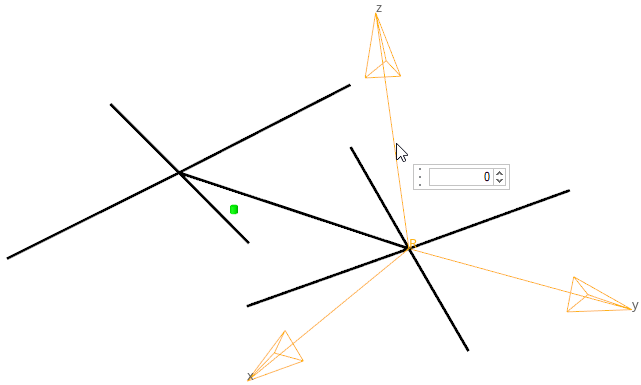 Figure 3. A microdialog opens.