Synchronize All Solution Settings
Synchronize solution settings across all analyses in the design study.
-
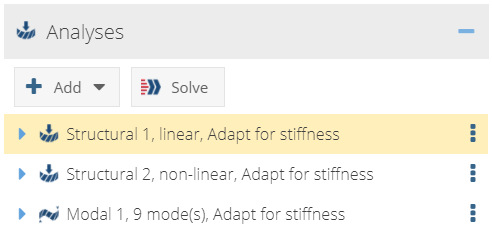
In the Analysis Workbench, select the analysis with the
desired settings.
Figure 1. 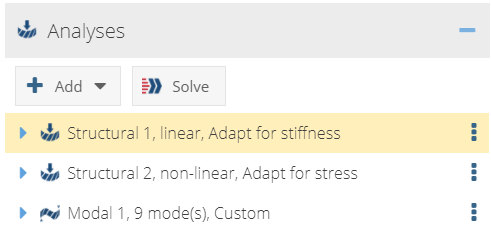
-
Right-click on the analysis and select Synchronize all
from the context menu.
Figure 2. 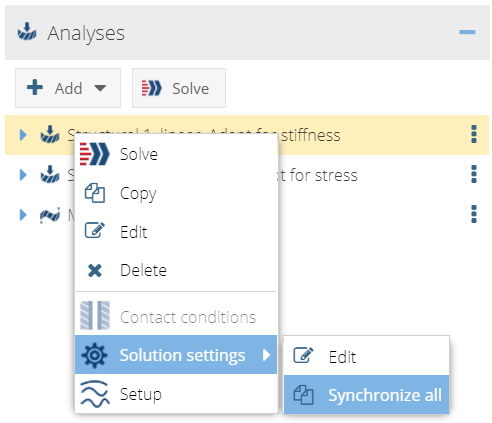
All analyses' settings are updated.Figure 3.