


|
Box Plot Settings
These are divided into four tabs:
-
General
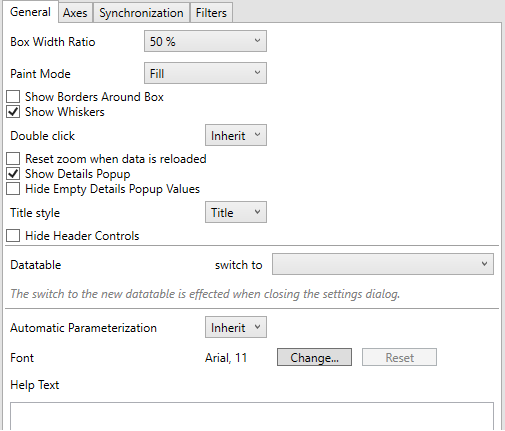
|
Setting |
Description |
|
Box Width Ratio |
Defines the ratio between Bars and the space between the bars. |
|
Paint Mode |
The no fill color. Possible values: Fill or Border. |
|
Show Borders Around Box |
Determines whether borders are drawn around the box. Disabled when the Paint Mode is set to Border. |
|
Show Whiskers |
Determines whether to display lines extending vertically from the boxes, indicating variability outside the upper and lower quartiles. |
-
Axes
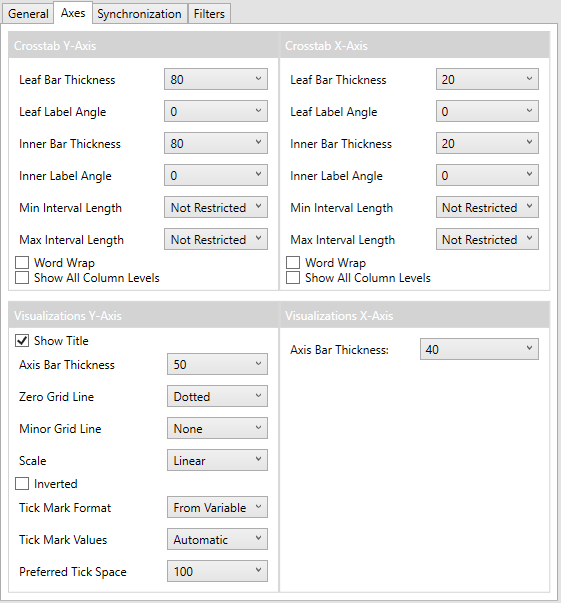
Refer to Cross Tab Axes and Visualizations Axes for more information.
-
Synchronization
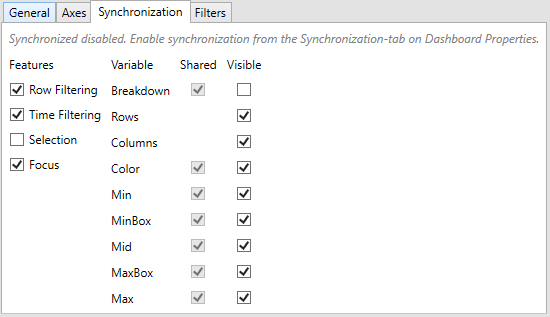
-
Filters
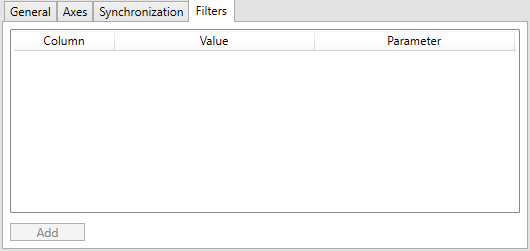
Refer to Visualization Static Filter for more information.