Interface Definition Tutorial
Geometric Lines for Tutorial
In this section, you will import, review and manage geometric lines required for ELines creation
Importing geometric lines
-
Click
 in the Geometry File
field.
A file selection dialog will appear. Browse and select
in the Geometry File
field.
A file selection dialog will appear. Browse and selectGeometricLines.stpfrom the tutorial files location. -
Click
 Import.
Once the file is loaded, a you message will appear in the status bar.
Import.
Once the file is loaded, a you message will appear in the status bar. The imported lines will be displayed in red.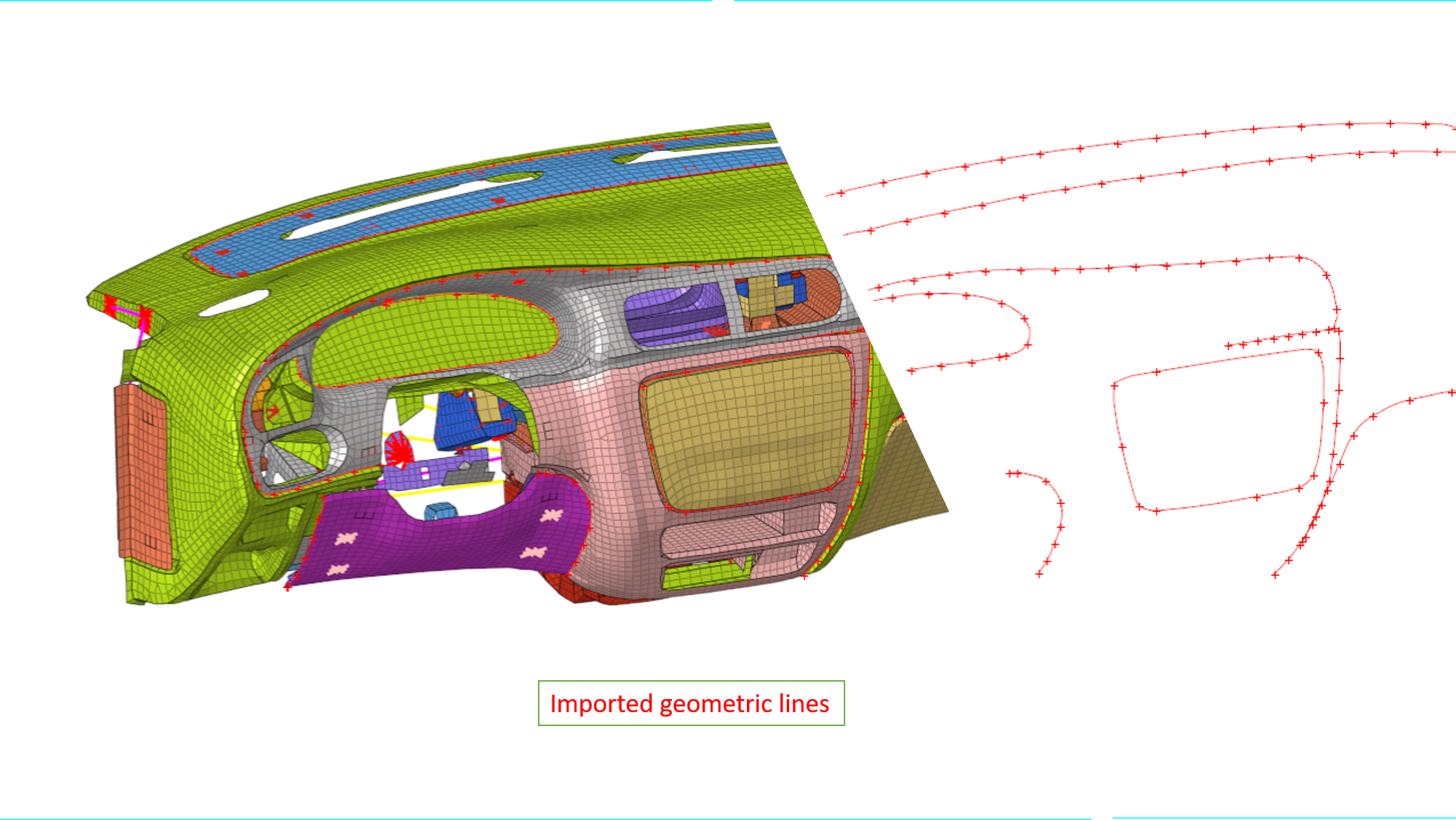
Figure 1.Imported geometric lines can also be seen in the Model browser
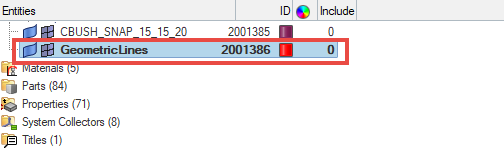
Figure 2.
Reviewing imported lines
-
Enter
0and40for and
and  values respectively.
-
Click
 Filter Lines button.
Additional line selection option will be activated in panel area.
Filter Lines button.
Additional line selection option will be activated in panel area. Figure 3.
 -
Click
 and select displayed and
click
and select displayed and
click  proceed
Once the lines are filtered, number of lines filtered will be displayed in the HyperWorks X status bar.
proceed
Once the lines are filtered, number of lines filtered will be displayed in the HyperWorks X status bar. -
Click
 .
.
-
Click
 Next to continue to ELines Connectors
Creation task.
Next to continue to ELines Connectors
Creation task.