OML Command Window
The OML window is used to enter, execute and display the execution of Compose language commands. It also displays print command outputs generated when scripts are executed from the Editor.
There are separate Command Windows for each language, accessible from the View menu.
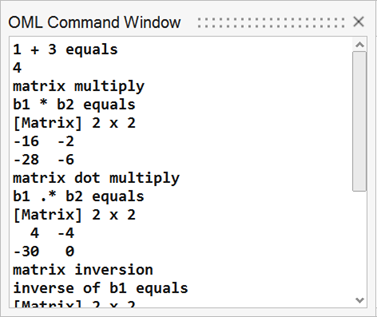
Figure 1.
Pagination
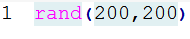
Figure 2.
If pagination is ON, the Command Window is filled within its limits (size) and you are prompted to navigate.
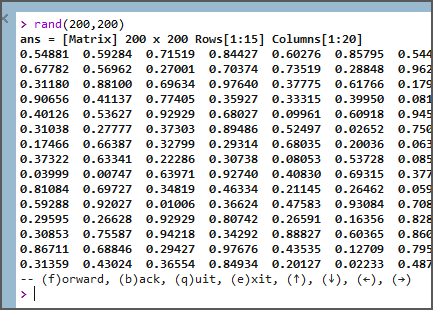
Figure 3.
Completion
Known OML commands and variables can be completed while entering commands. This also applies to file paths.
For a command:
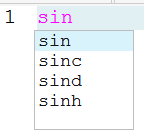
Figure 4.
For a file path:

Figure 5.
The options to trigger completions can be defined in the Preferences dialog.
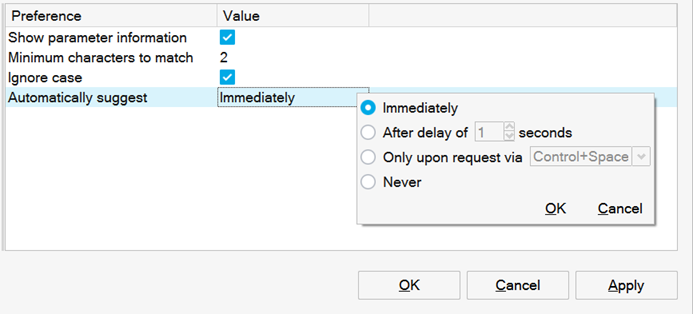
Figure 6.
Command Window Error Messages
If you execute a script and an error message is displayed in the Command Window, the error acts as a hyperlink, allowing you to click it and go to this line in the Editor. This only applies to open scripts.