


|
[14] Managing Workbook Themes
Workbook themes are set of configurable settings that affect all colors and fonts of dashboards and visualizations in a workbook. This configuration also includes setting which among the color palettes will be available for the Color variable or shape palettes for the Shape variable in the visualizations. Furthermore, the general colors to be used in visualizations such as axis, background, border, and focus colors can be defined.
Theme files are independent of workbooks and can be stored externally (e.g., Themes folder in the AppData).
On an opened workbook, users can dynamically switch between the two provided default workbook themes: Light or Dark.
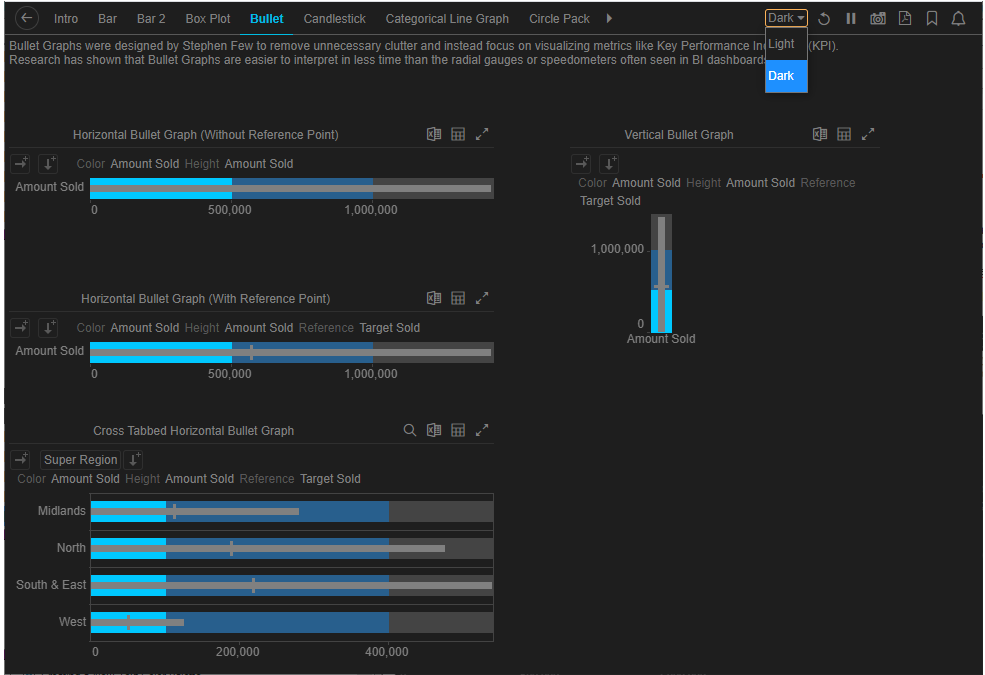
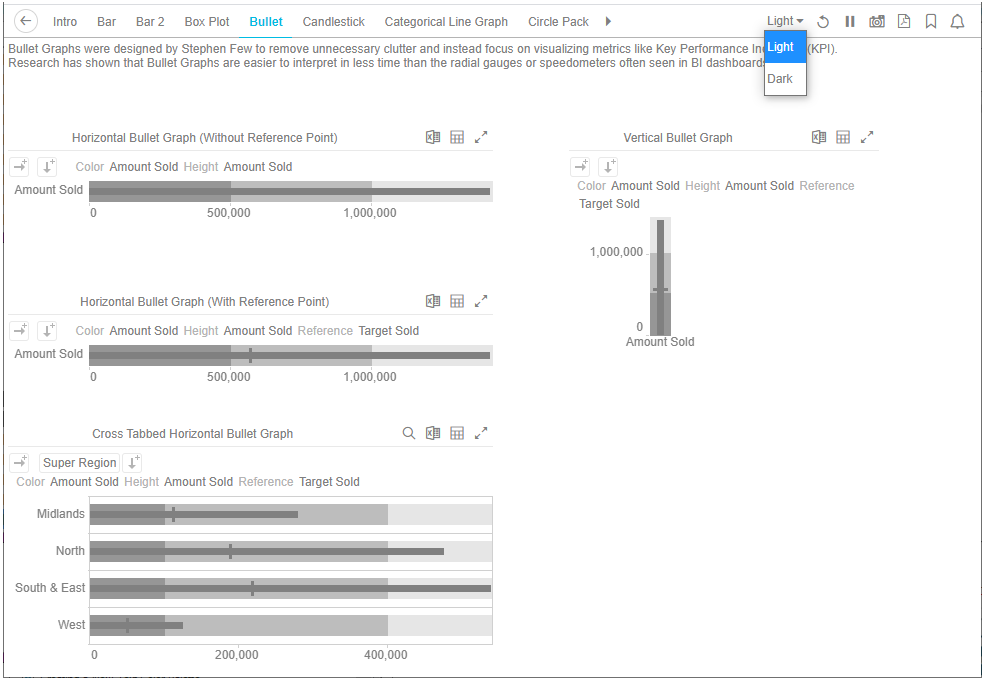
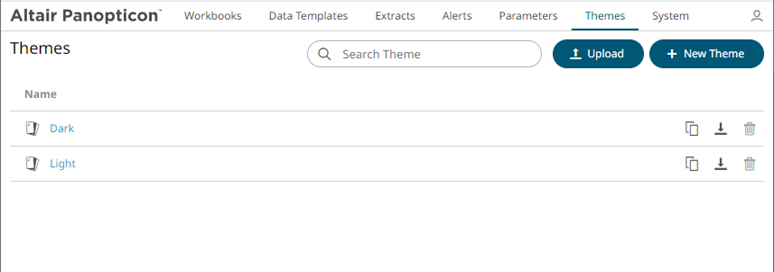
The Theme tab allows management of these workbook themes which are stored in the DatawatchVDDAppdata\Themes folder (i.e., c:\vizserverdata\Themes).
|
NOTE |
In the previous versions of Panopticon, all of theme-related settings are part of the workbook style, making it difficult to dynamically switch styles (e.g., colors, fonts etc.) When a workbook (created using versions before 17.5) is opened, all of the existing styles are extracted then saved as its inline workbook theme.
|
The Themes tab on the Panopticon Visualization Server allows:
q Creating new themes
q Modifying the workbook, visualization, editor, and general colors. Also, the fonts, color palettes, and shape palettes
q Creating a duplicate copy of a theme
q Downloading themes
q Uploading themes
q Deleting themes