


|
Connection via Knowledge Hub
The Connect to Knowledge Hub method is used when licensing is performed by a user given the Desktop role in Knowledge Hub. In this case, the Knowledge Hub server acts as the license server.
STEPS
-
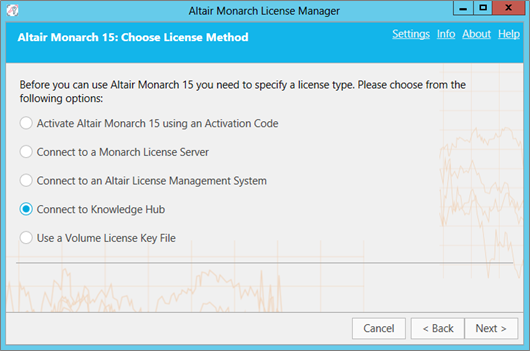
Select the Connect to Knowledge Hub option in the Choose License Method window and then click Next.
-
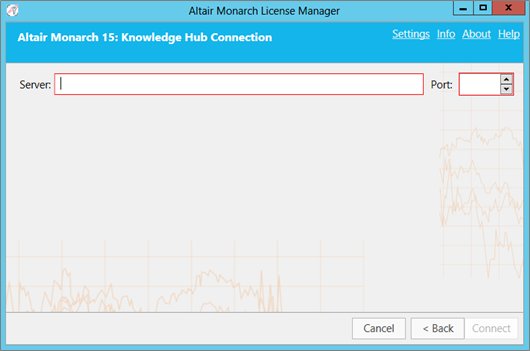
Fill out the following fields of the Knowledge Hub Connection window.
-
Name of the server to which you will connect. Use the form http(s):URL.
-
Port
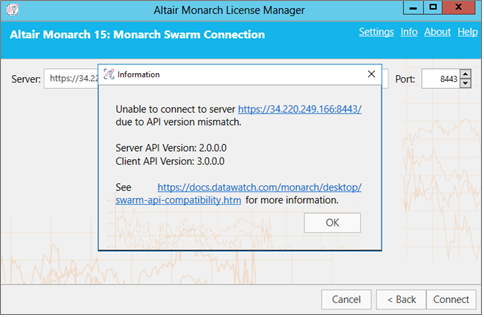
Note that the Knowledge Hub version used to license your Monarch application must be compatible with the latter to enable successful authentication. Otherwise, the following error will display.
-
-
Click Connect.
You will be connected to the Knowledge Hub server and the required license will be granted.
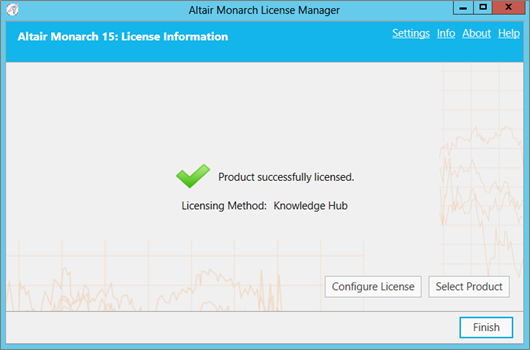
When you launch Monarch Classic and Data Prep Studio, the following dialogs display:
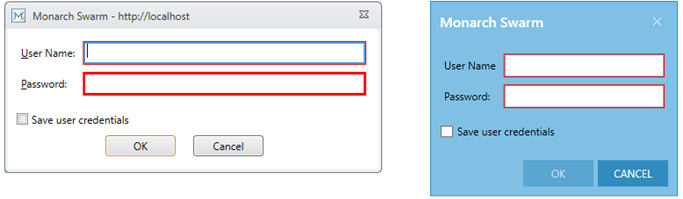
Provide a valid username and password to connect to Knowledge Hub. If you wish to save your credentials, tick the box marked Save user credentials and then click OK.
Click here to check if your Knowledge Hub version is compatible with your Monarch application.