


|
Viewing Workbook History and Republishing
Aside from opening workbooks, a user with either an Administrator or Designer role can also perform the following:
q View the change history of workbooks
q Republish an archived workbook to the recent version of Panopticon Visualization Server
q Rename an archived workbook
Steps:
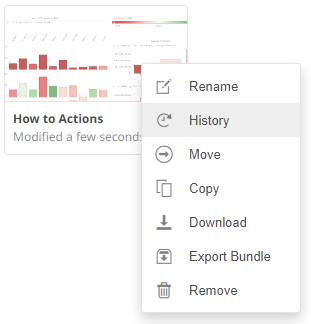
1. On the Workbooks tab, right-click on a workbook and select History on the context menu.
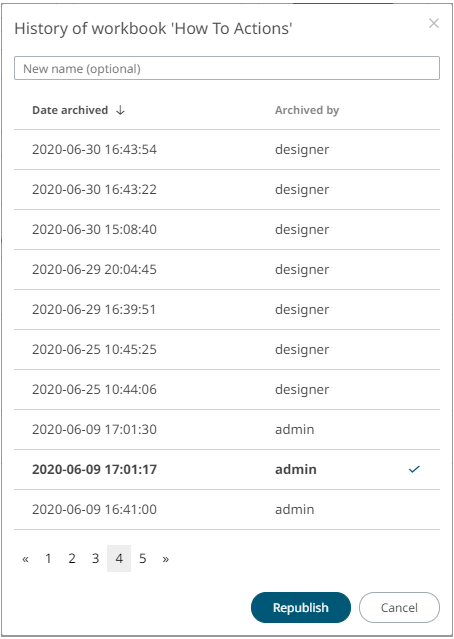
The History of Workbook <Name> dialog displays:

Sort
the archival list either through the Date or User name
by clicking on the  or
or  button.
Also,
move to the other pages of the list by clicking on a page or clicking
the  or
or
 button.
2. You may opt to rename an archived workbook by entering a new one in the New Name box.
3. Click on an archived workbook in the list.
Then
click  .
A notification message displays.
.
A notification message displays.
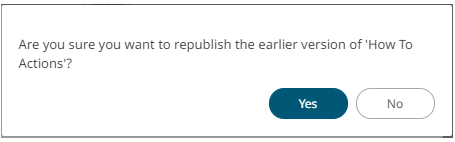
4. Click  .
.
A confirmation message displays.
