


|
Activation Using Altair Hosted HyperWorks Units
Hosted HyperWorks Units (HHWU) is a cloud-based license management system that enables greater flexibility with your Altair licenses. Integrated with Altair Connect, HHWU allows you to seamlessly access your Altair licenses with just an internet connection.
Steps:
-
Launch Google Chrome and go to https://connect.altair.com/. Log in with your credentials.
-
From the menu bar, choose Hosted HWU > Hosted HWU User.
-
Click Generate New Token in the Authorization Token section.
-
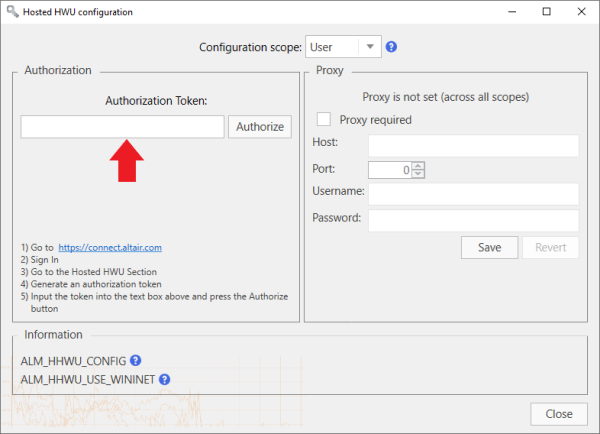
In Monarch License Manager, click the Configure button in the Altair License Server Connection screen.
-
In the Hosted HWU Configuration screen that displays, enter the Authorization Token into the field provided and then click Authorize. Close the screen when you are finished.
-
Click Connect in the Altair License Server Connection screen.
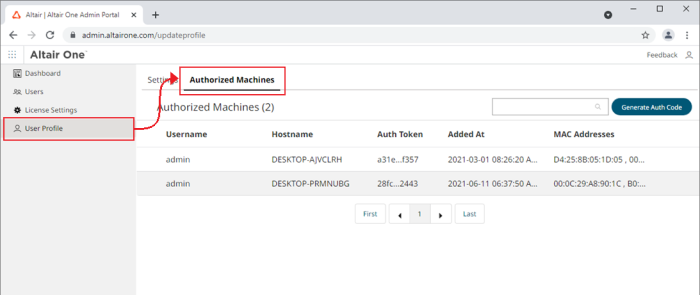
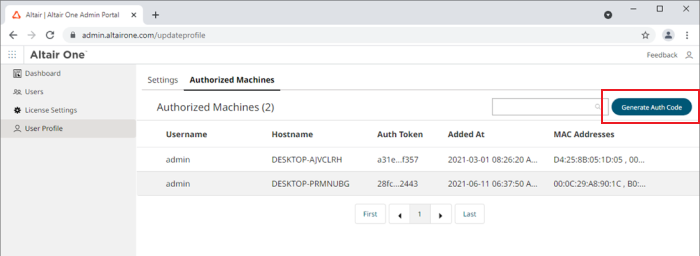
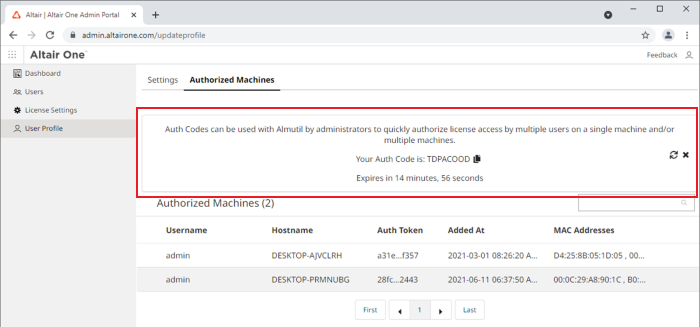
The page refreshes to display the token and a countdown of time left for authorization. An email with the token information is also sent to the address associated with your Connect account.
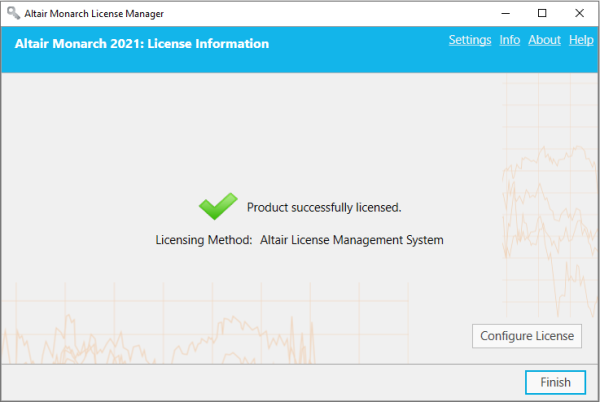
Monarch is successfully activated.