|
Deactivating Monarch Using the License Manager
You can deactivate Monarch using the License Manager if you activated your install using an Activation Code. If you activated Monarch using a Volume License Key File or License Server and want to deactivate it, call or e-mail Datawatch Support. Contact details are provided in a later section of this guide.
Steps:
1. Launch the License Manager by selecting Start > All Programs > Datawatch Monarch > License Manager.
The License Manager initially displays the License Information.
2. Select Deactivate to display the Deactivate License screen.
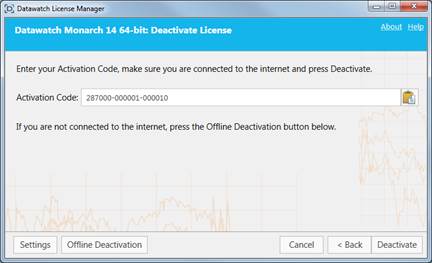
3. The Activation Code you used to activate Monarch with automatically displays in the Activation Code field. Select Deactivate.
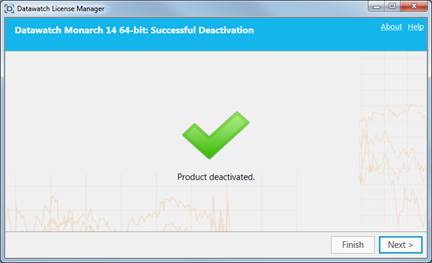
A dialog box will inform you that Monarch has been successfully deactivated.