


|
Workbook Summary
Here are the elements of a workbook definition:
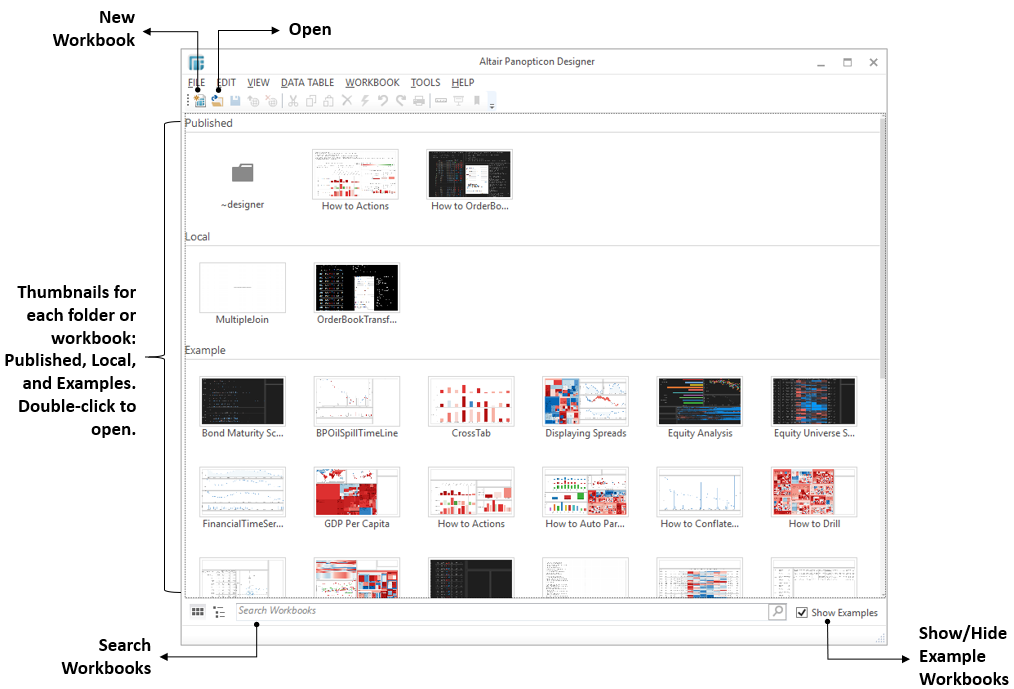
When the Panopticon Designer (Desktop) is opened, it displays a list of available workbooks, including:
-
Published (Retrieved from the server)
Workbooks can also be published to Folders or Sub-folders created on the Panopticon Visualization Server. This enables the published workbook to use the access restrictions of the Folder and Sub-folder.
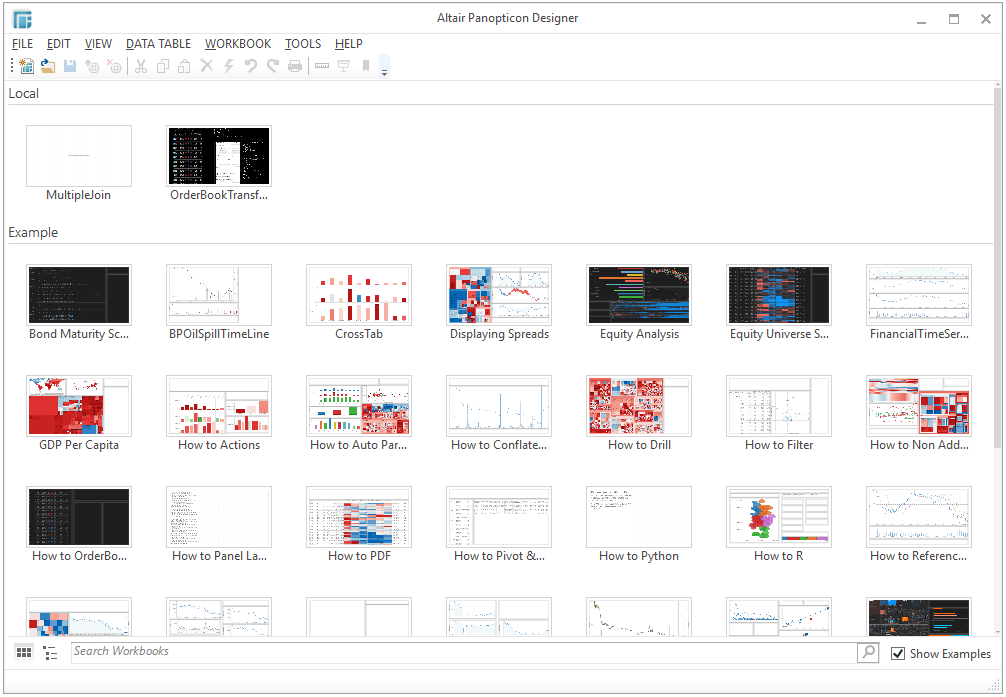
NOTE: The Published section is hidden when not connected to a Panopticon Visualization Server such as below:
-
Local (Retrieved from disk)
-
Examples (If the Show Examples check box is selected)

This view also includes a Search Workbooks section, at the bottom of the screen. Entering text will filter the returned workbook thumbnails.
Clicking on the two icons  and
and  will toggle between the workbook thumbnail displays, and a standard listing.
In either display style, double-clicking on a workbook title / thumbnail, will open the workbook in the Panopticon Designer (Desktop) Design Mode.